The USI systems an online nursing student uses
At the University of Southern Indiana, almost everything starts in myUSI: registration in Self Service, bills in TouchNet, your degree audit in Degree Works and your courses in Blackboard. Eagles Mail is the official channel, clinical paperwork travels by email to the program mailbox, and CastleBranch (DISA) and Typhon hold your compliance and clinical records.
Get your placement plan
Tell us your USI program and where you live. A placement advisor replies with the preceptor and site options that fit your course.
myUSI, the front door
USI's IT pages describe it plainly: "myUSI is a web portal that you will use frequently to access the many online school services that USI offers." It lives at my.usi.edu, and the Graduate Nursing Handbook also sends you there to reach your advisor. An older registration tutorial from 2019 shows a different portal address; use my.usi.edu.
| System | What you use it for | Where to find it |
|---|---|---|
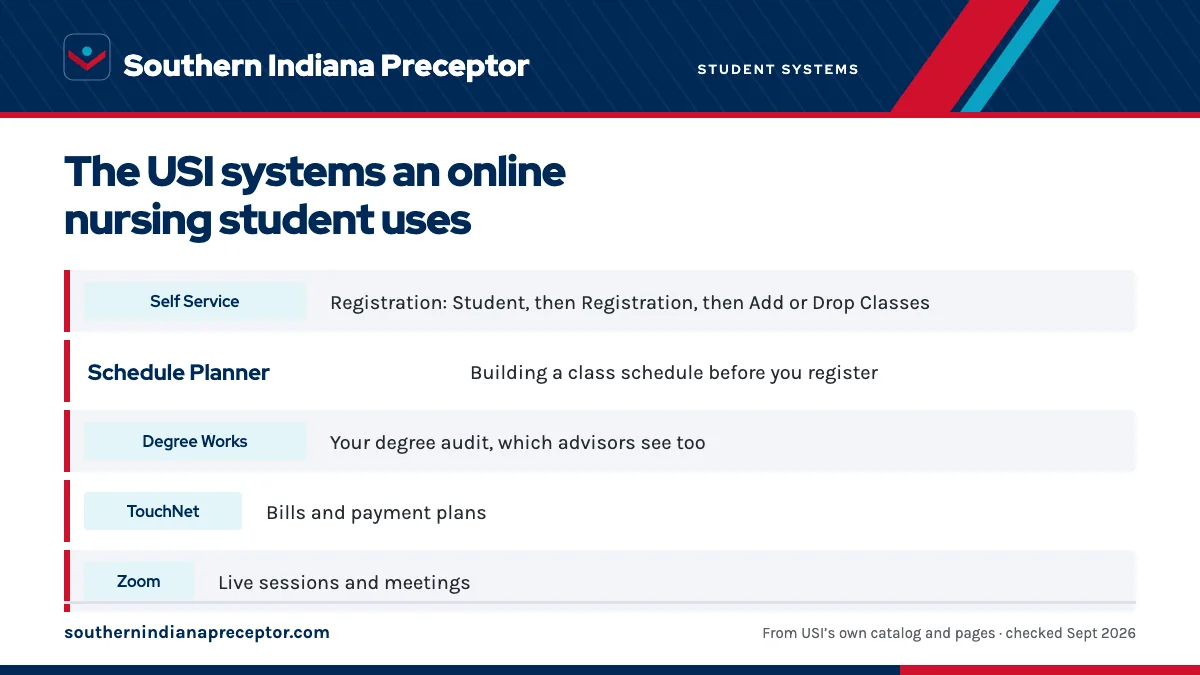
| Self Service | Registration: Student, then Registration, then Add or Drop Classes | Self Service tool on the myUSI dashboard |
| Schedule Planner | Building a class schedule before you register | Student, then Registration, then Schedule Planner |
| Degree Works | Your degree audit, which advisors see too | Opened from myUSI |
| TouchNet | Bills and payment plans | TouchNet link inside myUSI |
| Zoom | Live sessions and meetings | Zoom icon under Eagles Apps; the SSO domain is USI |
Online changes run through the first week of a fall or spring semester; after that, an Add/Drop form or a Withdrawal form takes over. The dates are on the 2026-27 calendar page.
Blackboard and the virtual centers
Blackboard (Blackboard Ultra) is where your courses live; USI calls it "the name of a software program that USI uses for online instruction and communication." You reach it through myUSI or directly at usi.blackboard.com. Graduate nursing students are also placed in the Blackboard "MSN Program" site, the Graduate Student Virtual Center, and DNP students join the Doctoral Student Virtual Center (DSVC) as well. Blackboard is also where USI posts the DNP Project Practice Partner form.
The handbook makes grades your job to watch: students are responsible for monitoring their grades in Blackboard. Two USI pages disagree about devices. The Blackboard FAQ still says Blackboard needs Java and that tablets and phones are not compatible, while the online learning page recommends the Bb Student mobile app. The Java text looks dated, but test your own setup before the first deadline.
Inside courses you will also meet VoiceThread for video and voice discussions, and Microsoft 365 with Teams for group work.
Eagles Mail, the channel for everything official
Eagles Mail is USI's student email on Microsoft 365, and your address is your USI username followed by @eagles.usi.edu. The handbook is firm: "You must use your USI email for all university communications", and you are expected to check it daily. Add usi1nursing@usi.edu and your course faculty to your safe senders so a reply from the program never sits unseen in a junk folder.
For clinicals that rule has teeth. The Preceptor Packet and the Request for USI Clinical Education Agreement are emailed to usi1nursing@usi.edu from your USI address with the subject line "[Student First and Last Name] Preceptor Packet", and the approval that clears you to start arrives by email too. There is no clinical placement portal: the Preceptor Packet page covers the submission, and the approval email page covers what comes back.
Clinical, testing and board-prep systems
- CastleBranch (DISA): your compliance record for background check, drug screen, immunizations, TB, BLS or ACLS and the signed Professional Behavior Agreement (details).
- Typhon NP Student Tracking System (NPST): your clinical log, preceptor co-signatures and feedback forms (details).
- i-Human: simulations in
NRSG 623and the Specialty I and II courses, counted as indirect clinical hours; a required student purchase. - Barkley Board Review: required for FNP, AGACNP and PMHNP students during the second half of the Specialty II course.
- Honorlock: remote proctoring that runs in Google Chrome with the Honorlock extension; you open Blackboard as usual and the handbook notes proctoring may be required in courses with online exams.
- Rice Library Testing Center: registration for exams with certified proctors.
- 3-P Diagnostic Exam and predictor exams: the 3-P comes in the summer before your first clinical course, and nationally normed predictor exams are required in the final semester.
The i-Human and board review page explains when those two purchases fall in the program.
Forms you will meet along the way
The Graduate Nursing Handbook keeps an Appendix and Forms page, most clinical forms are PDFs on USI's site, and one is sent only on request. The forms graduate students handle most:
- Preceptor Packet (Form G, updated 07/2026), completed with your preceptor and emailed as a typed PDF.
- Request for USI Clinical Education Agreement, formerly the Memorandum of Understanding, completed by the site.
- Preceptor Orientation Packet, sent only on request from usi1nursing@usi.edu for your preceptor.
- Graduate Nursing Professional Behavior Agreement, signed and uploaded to CastleBranch (DISA).
- Graduate Nursing Clinical Name Badge Order Form, with payment and photo going to the Eagle Access Card Office.
- DNP Project Practice Partner Form and the MSN Practice Hour Documentation Form (titled DNP Practice Hours) for DNP students.
- Appendix A, the petition a student files to return after a withdrawal.
Library, IT help and support services
The David L. Rice Library serves online students through its fUSIon search box (EBSCO), Databases A-Z, Interlibrary Loan, Ask a Librarian and SOAR. The handbook lists its services as interlibrary loans, research information, computer access, and copying and printing.
For technology problems, the IT Service Desk runs a TeamDynamix portal at services.usi.edu and answers email at it@usi.edu. Walk-in help is offered Monday through Friday, 7:30 a.m. to 4:30 p.m. Central, and an after-hours call-in service handles problems outside those hours. USI's pages disagree on the walk-in room (Rice Library Room 0026 on the help desk page, WA 41 on the new-students page), so check the current help desk page before you visit.
Three more services round out the list: Rave Alerts for emergency and closing text alerts, Windows Virtual Desktop for remote access to lab software such as SPSS, and TimelyCare for round-the-clock virtual care, including mental health support.
Where we fit alongside your USI systems
Your USI systems handle coursework, records and approvals; we handle the part they leave to you, finding the preceptor. Students choose us because we search for preceptors and sites that fit their USI course close to home, gather every detail Form G and the agreement request ask for, and hand it back typed and complete, ready to send from Eagles Mail long before the 6-week cutoff.
Every preceptor we introduce also hears, before committing, what USI's systems will ask of them: co-signing in Typhon, two feedback forms and two faculty calls each semester. We plan all three specialty semesters from the start and remain reachable all semester to replace a preceptor who leaves. To begin, share your program and start term through the form below, or read how it works first.
Questions USI students ask
What is my USI student email address?
Your USI email runs on Eagles Mail, the university's Microsoft 365 service, and the address is your USI username followed by @eagles.usi.edu. Use it for all university communication, including the Preceptor Packet you send to usi1nursing@usi.edu, and check it every day while you are enrolled.
Where do I register for USI nursing courses?
Open myUSI, choose the Self Service tool, then Student, Registration and Add or Drop Classes. Schedule Planner, under the same Registration menu, helps you build a schedule first. After the first week of a fall or spring semester, changes need an Add/Drop or Withdrawal form instead of the online tool.
What browser do I need for proctored exams at USI?
Honorlock, USI's remote proctoring service, runs in Google Chrome with the Honorlock extension installed. You open Blackboard as usual and start the exam from there. If a course calls for an in-person proctor instead, the Rice Library Testing Center registers exams with certified proctors.
Is there an online portal for the Preceptor Packet?
Clinical paperwork goes by email. You send the completed Preceptor Packet and the Request for USI Clinical Education Agreement as typed PDFs to usi1nursing@usi.edu from your USI address, using your name and Preceptor Packet as the subject. Your approval also arrives by email; after that, the preceptor and site are set up in Typhon.
How do I get IT help outside business hours?
Submit a ticket through the IT Service Desk portal at services.usi.edu or email it@usi.edu, and use the after-hours call-in service listed on the help desk page for urgent problems. Walk-in help runs weekdays from 7:30 a.m. to 4:30 p.m. Central.
Related pages
Last checked 2026-09-25
We check these pages against USI's own bulletin, program pages and Graduate Nursing Handbook. Your handbook, course faculty and the Nursing Clinical Coordinator have the final word.
- University of Southern Indiana, IT: New Students
- University of Southern Indiana, IT: Blackboard Student FAQs
- University of Southern Indiana, Graduate Nursing Handbook: General Information
- University of Southern Indiana, Online Course Support Resources
- University of Southern Indiana, David L. Rice Library
USI makes the search your job. We make it the easy part.
Tell us your USI track, your city and your next clinical semester. We find preceptors who fit the NRSG course and fill the Preceptor Packet and Clinical Education Agreement request with typed, complete details, well before USI's 6-week window.
- Preceptors matched to the course: family primary care for FNP, acute care teams for AGACNP, PMHNPs and psychiatrists for PMHNP
- Preceptor license, certification, years of practice and the site's agreement signer ready for the packet
- Fall, Spring and Summer planned together, close to home in a state USI enrolls
Start your placement plan
Track, city and clinical start is all we need to begin.